The Best Free Budgeting Apps for Beginners in 2026

You don't need a finance degree to stop wondering where your paycheck went. You need an app, a little patience, and about ten minutes. The best free budgeting apps for beginners do the boring math for you and leave the decisions to you.
I tried a lot of them over the years, and some earned a permanent spot on my phone. Others lasted a week before I deleted them in frustration. Here's what I learned.
What Makes a Budgeting App Good for Beginners?
A beginner doesn't need 40 charts. A beginner needs to see how much money is left to spend and not feel stupid doing it.

Here's what I look for:
- A setup that takes under 15 minutes. If the onboarding feels like a tax audit, you'll quit.
- A genuinely useful free tier. A "free" app that locks every useful feature behind a paywall is just a trial with good marketing.
- A simple method. Zero-based budgeting, envelopes, or spending limits all work. Pick the one that matches your brain.
- Reasonable security. Look for bank-level encryption and two-factor authentication.
Why does this matter so much? Because the best budget is the one you actually open. A fancy app you ignore loses to a boring one you check every morning.
One more thing worth checking is how the app handles mistakes. You will miscategorize a purchase or forget to log a coffee, so look for an app that lets you edit entries easily and doesn't punish you with scary red warnings. Good beginner tools forgive you quickly and help you get back on track.
The Best Free Budgeting Apps for Beginners in 2026
Apps change their pricing constantly, so check each app's current free features before you commit. I based the notes below on how the free versions work right now.
EveryDollar: Best for Learning the Zero-Based Method
EveryDollar asks you to give every dollar a job. Income minus expenses should equal zero, which sounds intense but feels clear once you try it.

The free version works through manual entry. You type in your purchases yourself, and the paid version adds automatic bank syncing. Some people hate that. I actually think it helps beginners, because typing "$6.50, iced latte" makes you wince in a useful way.
- Best feature: a clean, fast monthly budget builder
- Catch: no automatic bank connection on the free plan
- Ideal for: people who want to learn budgeting, not just watch it happen
Goodbudget: Best for the Envelope Method
Goodbudget digitizes the old cash-envelope system. You create virtual envelopes for groceries, gas, fun money, and so on. When an envelope hits zero, you stop spending.

The free plan caps how many envelopes you can create, so you'll need to stay disciplined about categories. I used it for a few months when my grocery spending got out of hand. Seeing "$12 left" in the food envelope on day 20 changed my shopping habits fast.
- Best feature: syncs across devices, so partners can share one budget
- Catch: you enter most transactions by hand, and the free plan limits your envelopes
- Ideal for: couples and anyone who overspends in a few specific categories
PocketGuard: Best for a Quick "Can I Afford This?" Answer
PocketGuard connects to your accounts and calculates what you have left to spend after bills and savings goals. That one number makes it great for beginners who panic at spreadsheets.

Its "In My Pocket" feature answers the question we all ask at 9 p.m. with a shopping cart open: Can I actually buy this? The free version covers the basics, though the paid tier unlocks more customization.
- Best feature: one simple spendable number
- Catch: the free plan limits some features, and the app nudges you toward upgrading
- Ideal for: people who want automation without a learning curve
Honeydue: Best for Couples
Money fights ruin relationships, and Honeydue exists to prevent them. Each partner links their own accounts and chooses what to share. You can see shared bills, set reminders, and even chat about transactions inside the app.

My partner and I tried it during a particularly tense "who bought what?" month. It didn't fix our spending, but it did end the guessing games. IMO, that alone justifies the download.
- Best feature: you control what your partner sees
- Catch: it focuses on shared tracking more than detailed budgeting
- Ideal for: couples who want transparency without a full financial merger
Empower: Best for Seeing the Bigger Picture
Empower (formerly Personal Capital) offers free tools for tracking spending, net worth, and investments in one place. Its budgeting features run lighter than the dedicated apps above. Its real strength is the dashboard that shows how your accounts add up.

Fair warning: Empower will likely contact you about its paid wealth management services. You can ignore the pitch and keep using the free tools.
- Best feature: free net worth and investment tracking
- Catch: weaker day-to-day budgeting, plus sales outreach
- Ideal for: beginners who already have a retirement account or two and want to watch it grow
Rocket Money: Best for Finding Sneaky Subscriptions
Rocket Money (formerly Truebill) scans your accounts and flags recurring charges. Most of us have at least one subscription we forgot existed. I found a streaming service I hadn't opened in eight months, which cost me about $15 a month for the privilege of ignoring it.
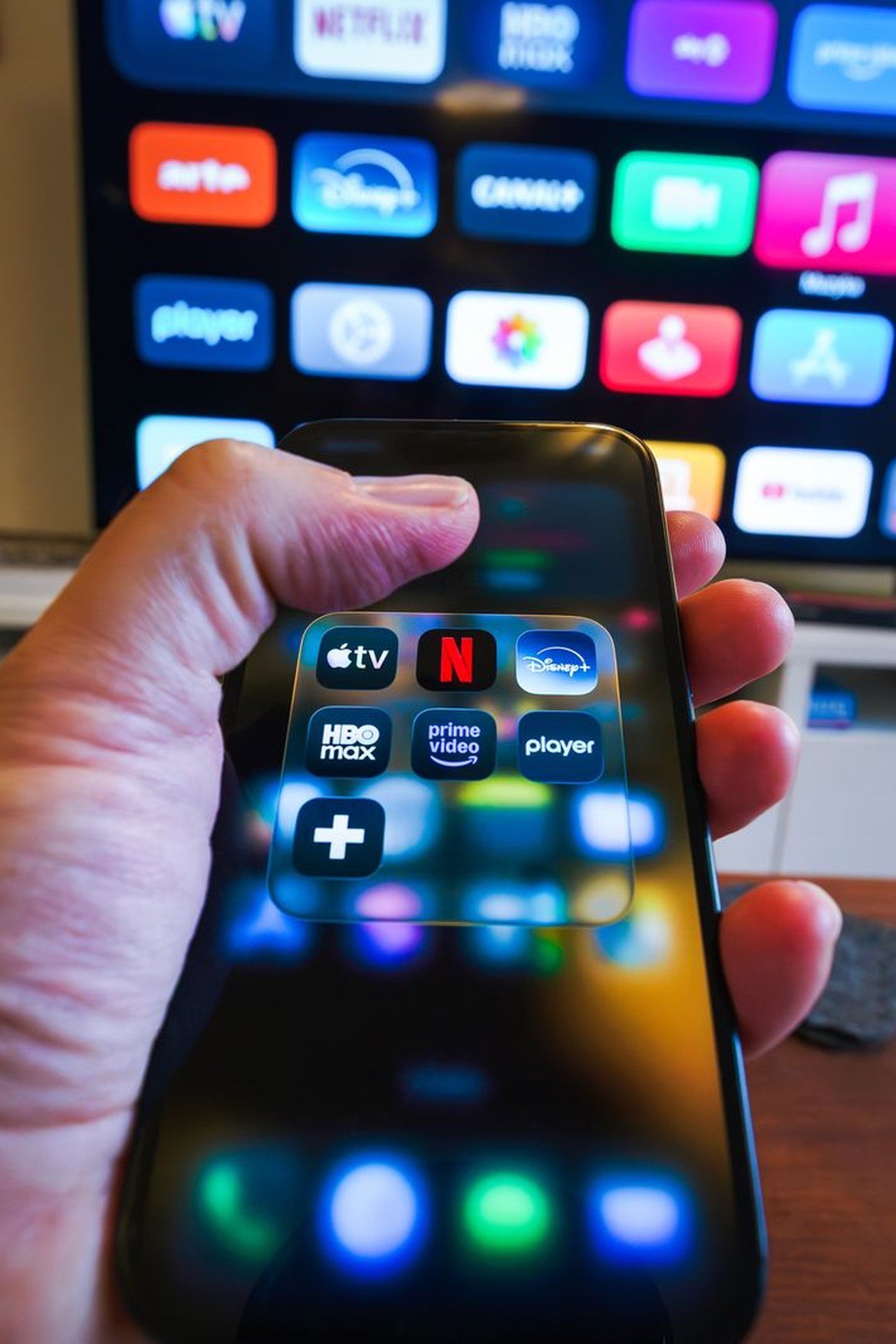
The free version tracks spending and shows your subscriptions. Cancellation help and some advanced features cost extra.
- Best feature: instant subscription detection
- Catch: the best tools sit behind the premium tier
- Ideal for: anyone who suspects their bank account has a leak
Quick Comparison: Which App Fits Which Beginner?
Still undecided? Match your biggest struggle to the right tool:

- "I need to learn how budgeting works." Use EveryDollar.
- "I overspend in specific categories." Use Goodbudget.
- "I just want to know what I can spend today." Use PocketGuard.
- "I share finances with a partner." Use Honeydue.
- "I want my whole financial picture in one place." Use Empower.
- "I suspect I'm paying for stuff I forgot about." Use Rocket Money.
FYI, you can combine two of these. I know people who run Honeydue for shared bills and EveryDollar for their personal budget, and it works fine.
Manual Entry vs. Automatic Syncing: Which Should You Choose?
This question divides budgeting fans more than pineapple on pizza.

Automatic syncing saves time and catches every purchase. It also makes it easy to stop paying attention, because the numbers update without you lifting a finger.
Manual entry takes more effort, but it forces awareness. You notice every purchase because you personally type it in.
My take? Beginners should try manual tracking for the first two or three months. Once you understand your habits, switch to automation if you want. You'll interpret the data better because you built the habit first.
If you can't decide, consider your personality. Do you tend to forget small tasks? Automatic syncing may suit you better, since a habit you never skip beats a perfect one you abandon. Do you tend to overspend without noticing? Manual entry keeps you engaged. Either way, check your balances against your bank once a week to catch errors.
Common Beginner Mistakes (I Made All of Them)
Even the best app can't rescue a shaky approach. Watch out for these traps:

- Making the budget too strict. A budget with zero fun money fails by week two. Give yourself a "treat yourself" category.
- Ignoring irregular expenses. Car repairs, birthdays, and annual fees hit hard when you forget them. Add a sinking fund category for each.
- Quitting after one bad month. You will overspend sometimes. Adjust the numbers and keep going.
- Skipping the weekly check-in. Five minutes every Sunday keeps you on track. Skip it for a month and the budget drifts into fiction.
Did I follow this advice at first? Absolutely not. I set a grocery budget of $150 for a month in which I clearly planned to eat like a normal human. The app didn't judge me, but my bank balance did.
How to Start Your Budget Today
Don't wait for the perfect moment, because it doesn't exist. Follow these steps instead:

- Pick one app from the list above. Don't download all six.
- List your fixed costs: rent, utilities, insurance, minimum debt payments.
- Estimate your variable costs: groceries, gas, entertainment. Use last month's bank statement for realistic numbers.
- Set one small savings goal. Even $25 per paycheck counts.
- Review weekly and adjust.
That's the whole system. It's not glamorous, but it works.
Final Thoughts
The best free budgeting apps for beginners share one trait: they make money feel manageable instead of scary. EveryDollar teaches the fundamentals, Goodbudget controls problem categories, PocketGuard gives fast answers, Honeydue keeps couples on the same page, Empower shows the big picture, and Rocket Money hunts down forgotten subscriptions.

Remember, no app can budget for you; it only shows what's already happening with your money. The real progress comes from small, repeated check-ins. Start imperfectly, adjust as you learn, and be kind to yourself when a month goes sideways.
So which one should you download first? Choose the one that matches your biggest money headache, give it 30 days, and see what happens. You might even enjoy it 🙂


